01
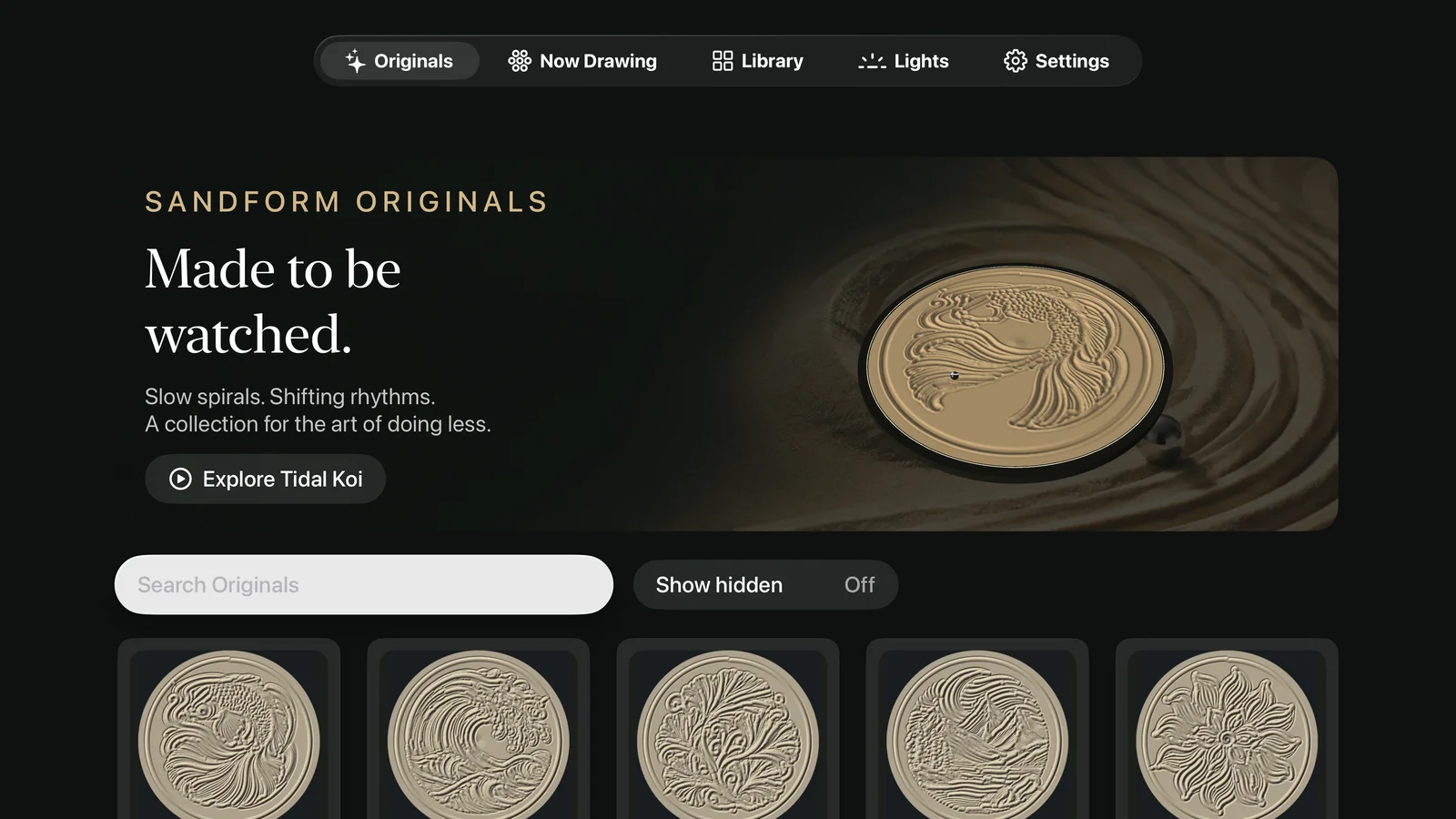
Originals, front and center.
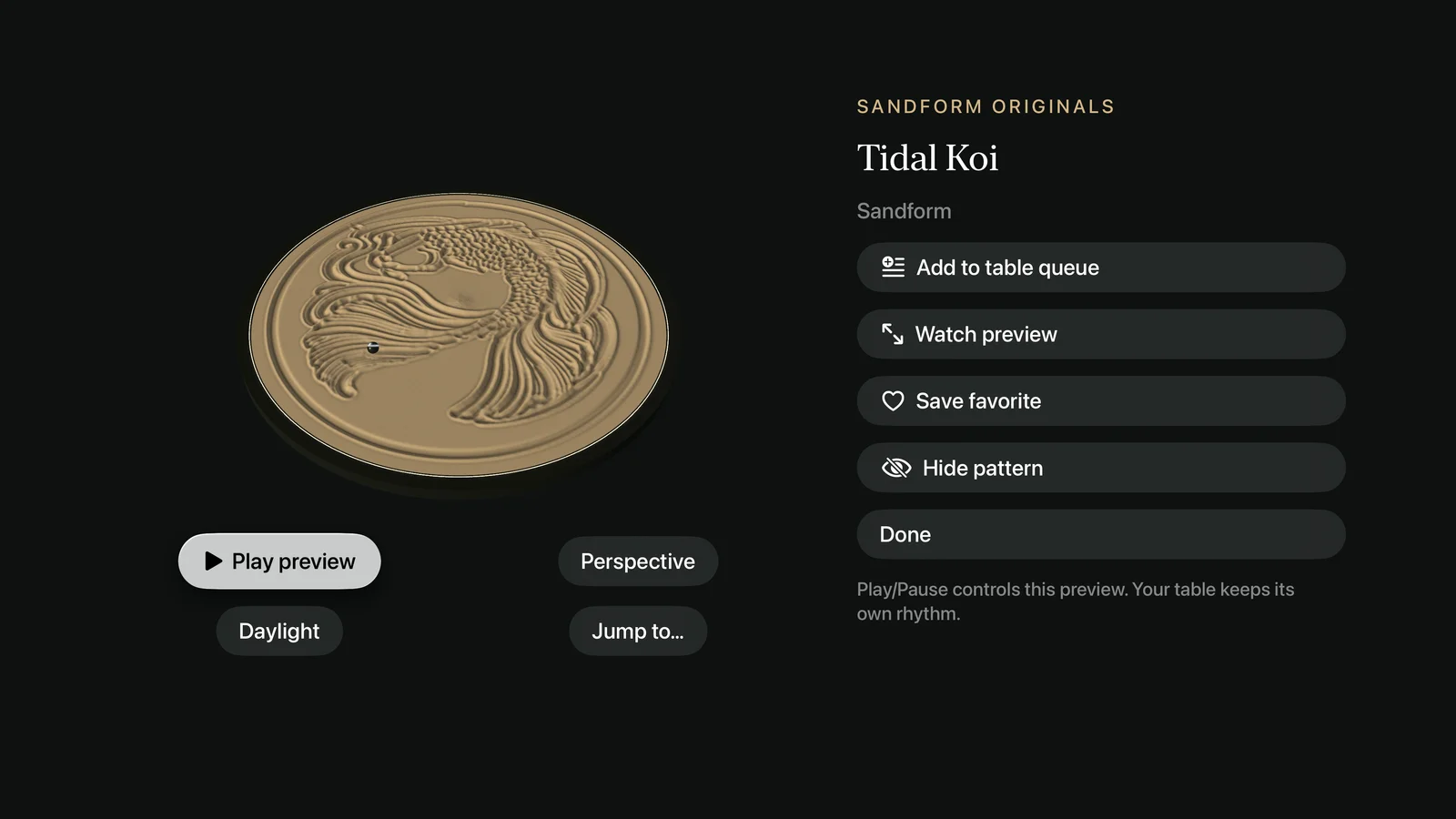
A visual collection of sculpted artwork, illustrations, and geometric patterns, with native sand previews.

Your favorite designs. Your table’s next drawing.
A little more calm in the living room.
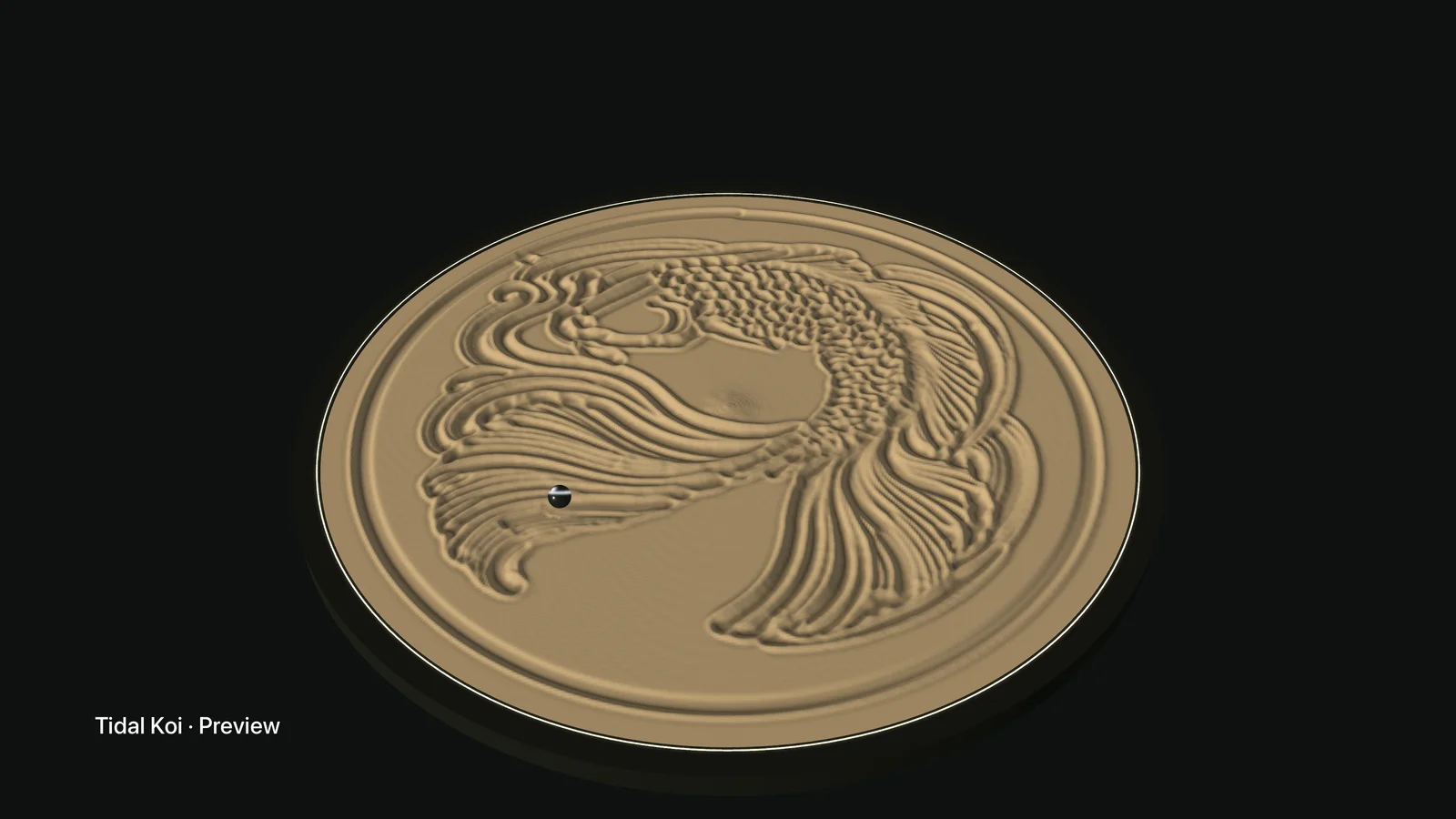
Let an Original unfold. Change your point of view.
Settle into a screen that asks a little less of you.

Bring the quiet rhythm of your sand table
into the room’s biggest canvas.
Originals, favorites, and an evening’s worth of possibilities.
Beautiful to browse. Easy to make your own.
A visual collection of sculpted artwork, illustrations, and geometric patterns, with native sand previews.
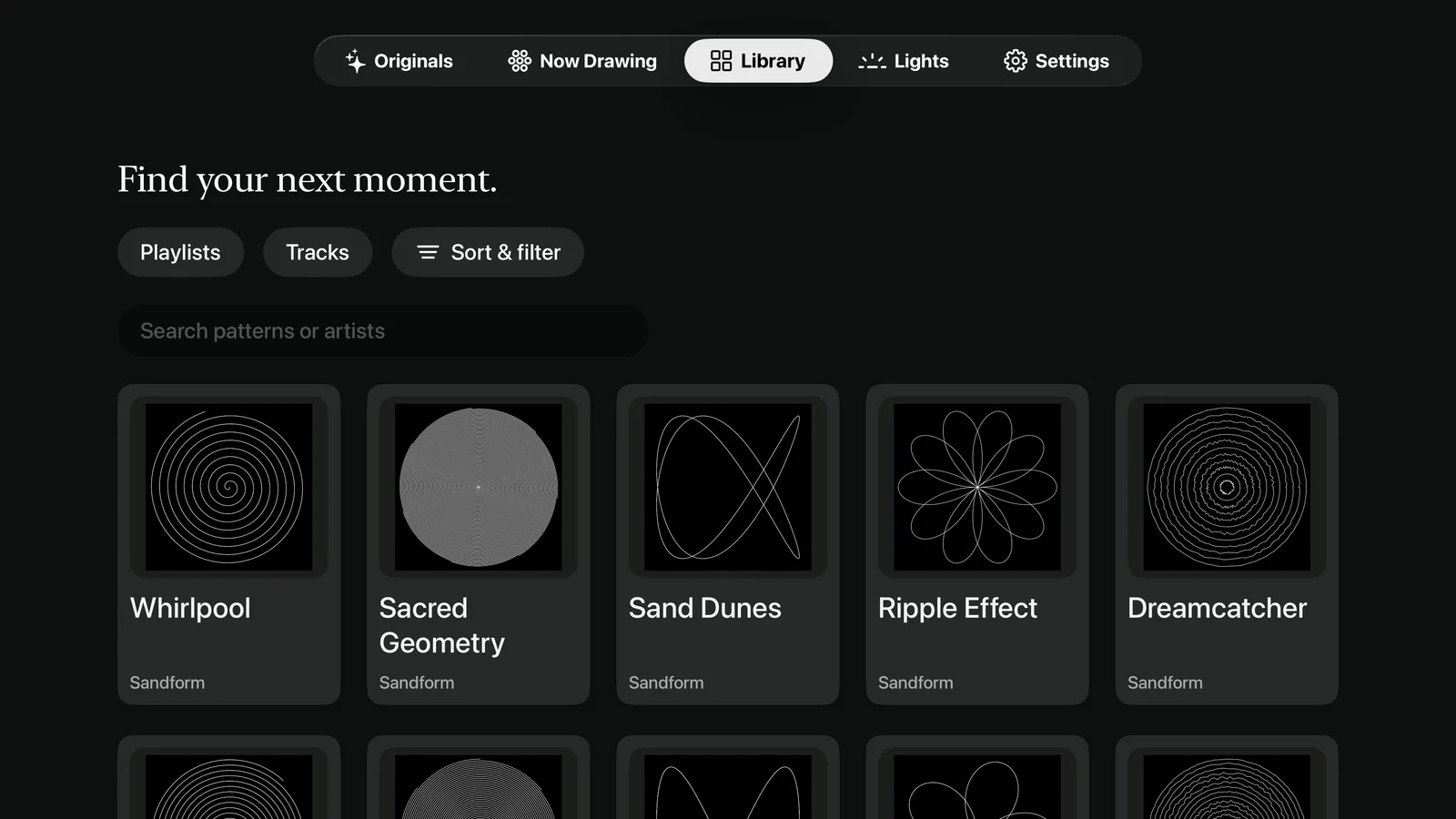
Browse the pattern library, search by name or artist, and keep your favorites close.
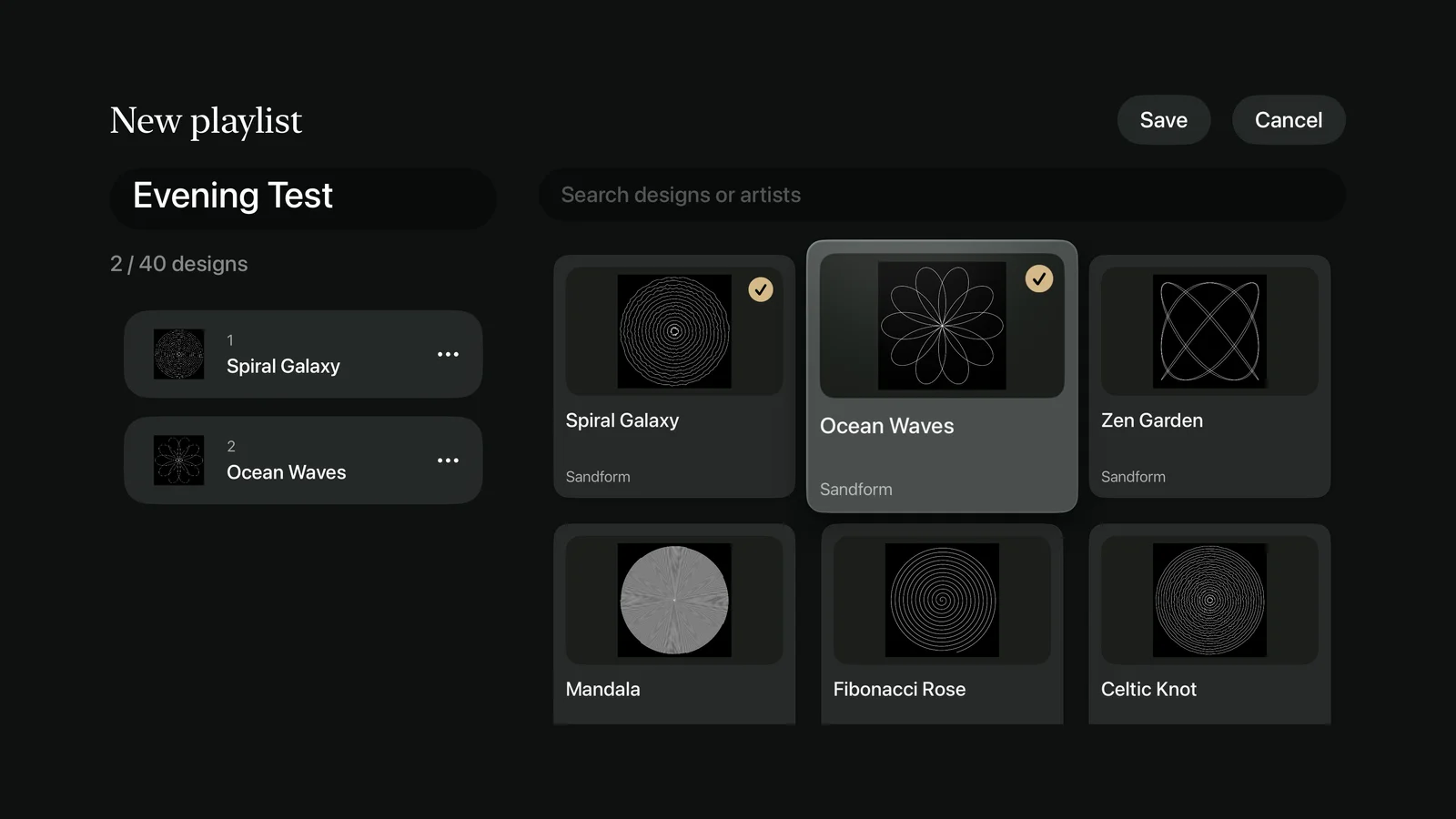
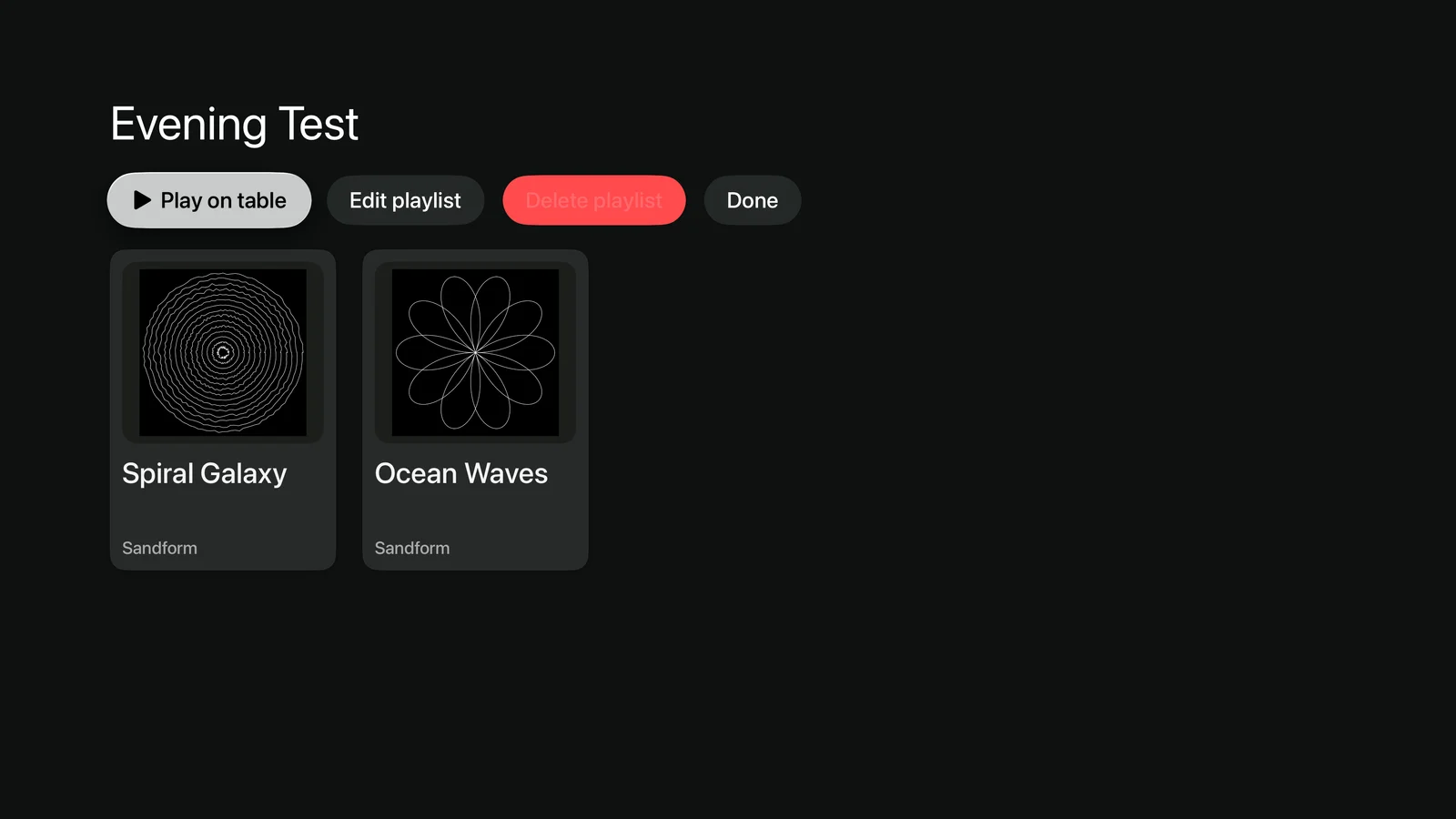
Choose designs from a thumbnail grid. See what you’ve added, change the order, and save your own collection.

Explore camera angles and lighting atmospheres in the native 3D preview. Your table keeps its own rhythm.
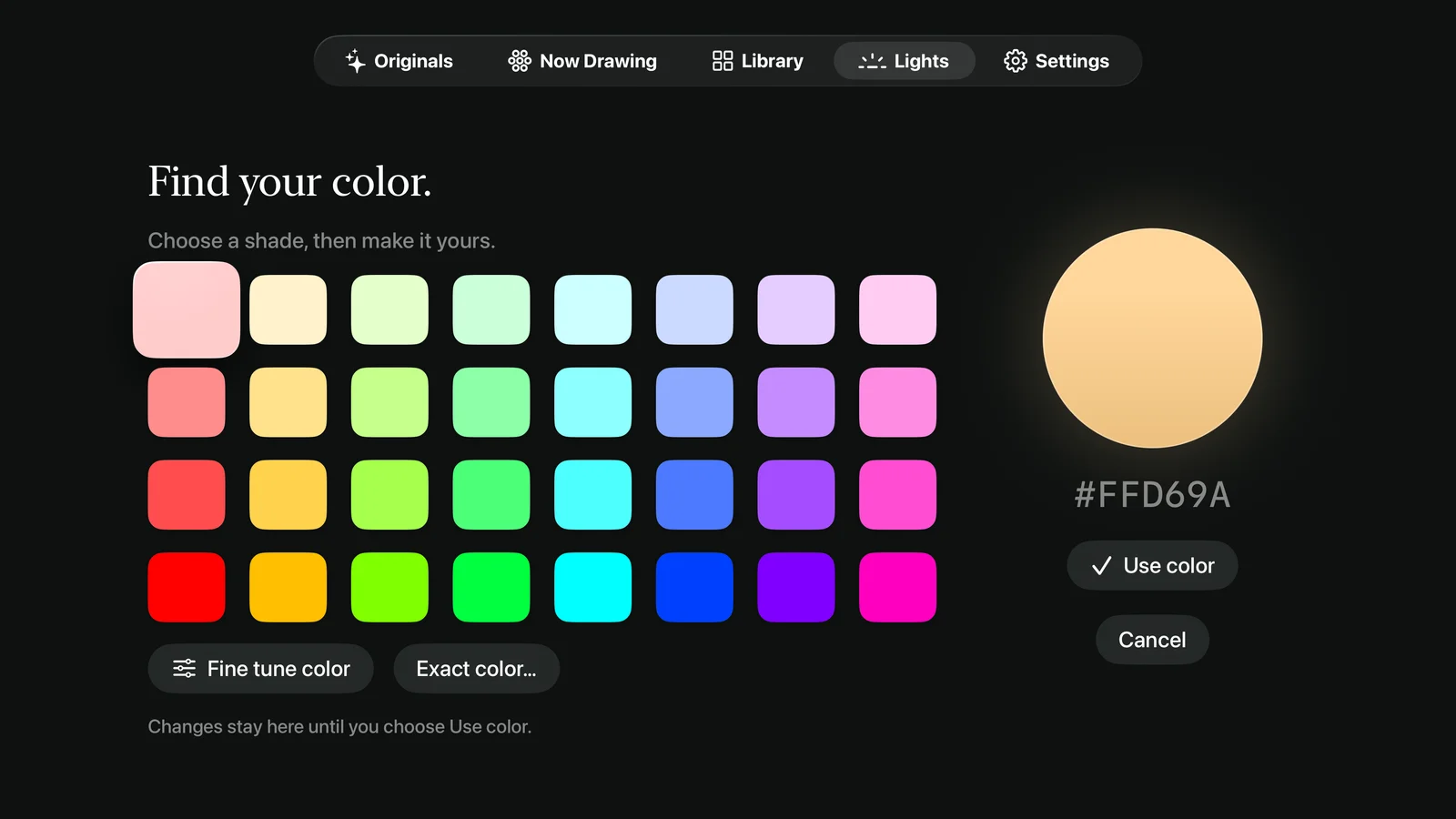
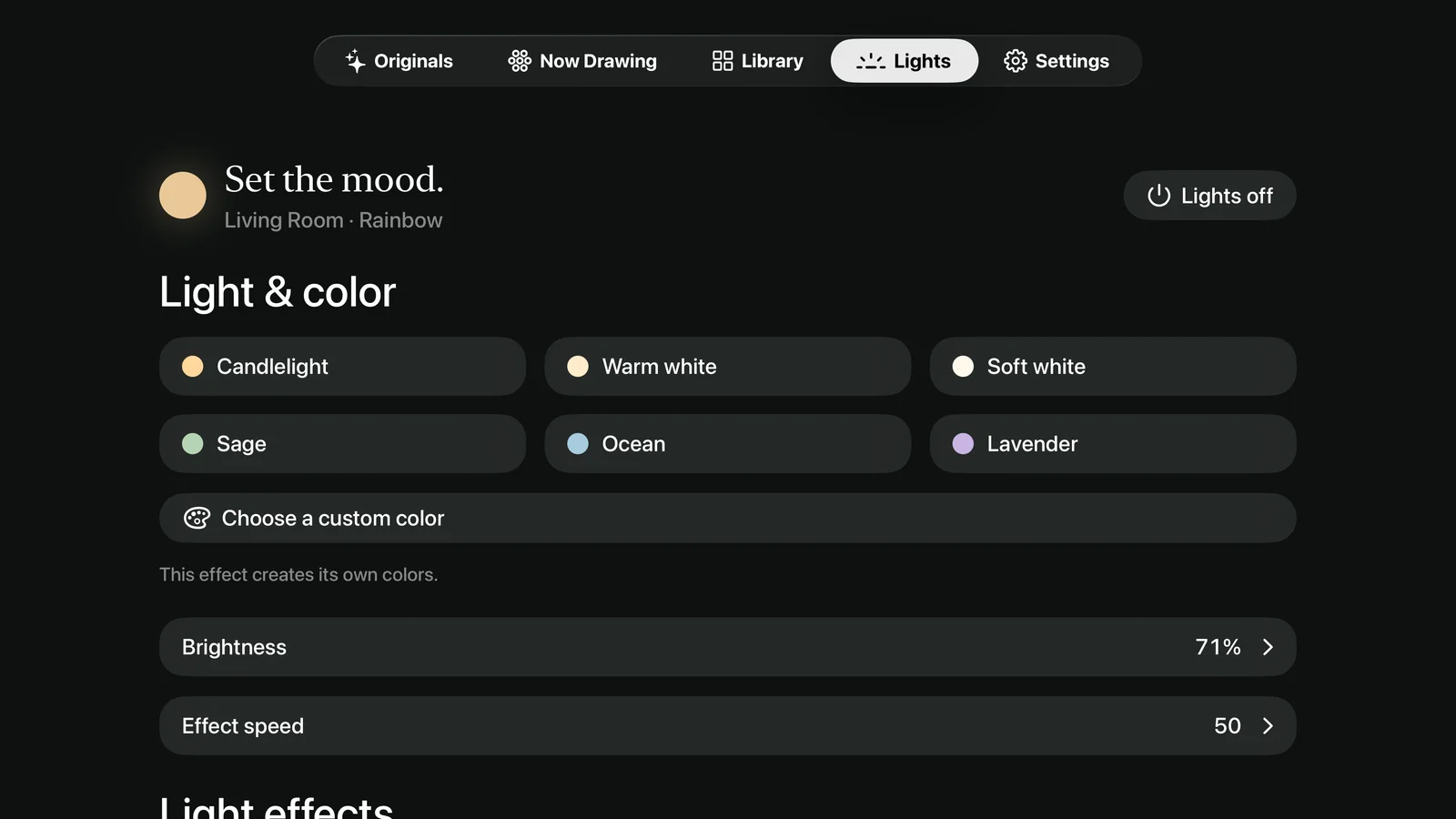
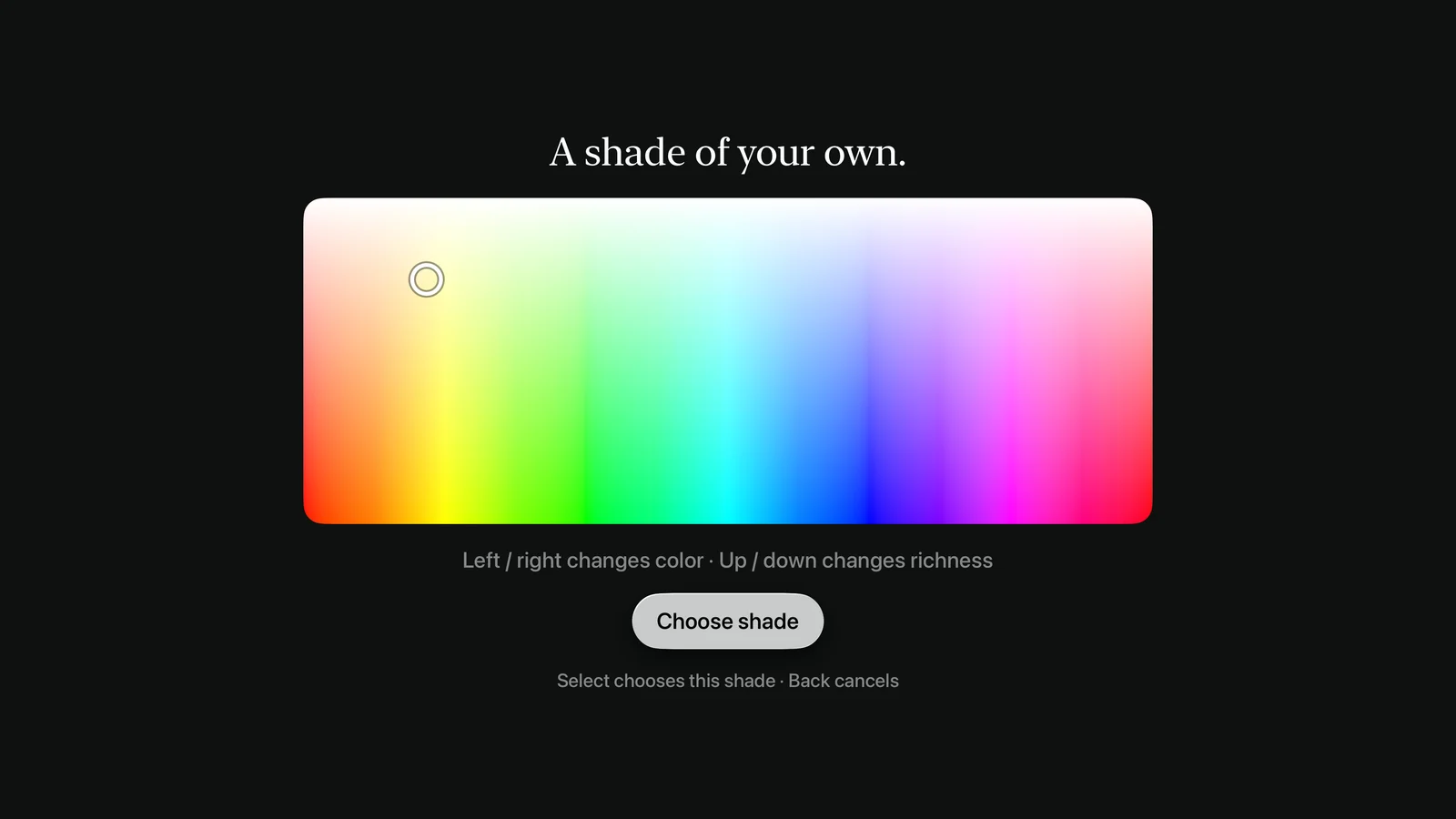
A palette of shades. A gentle glow.
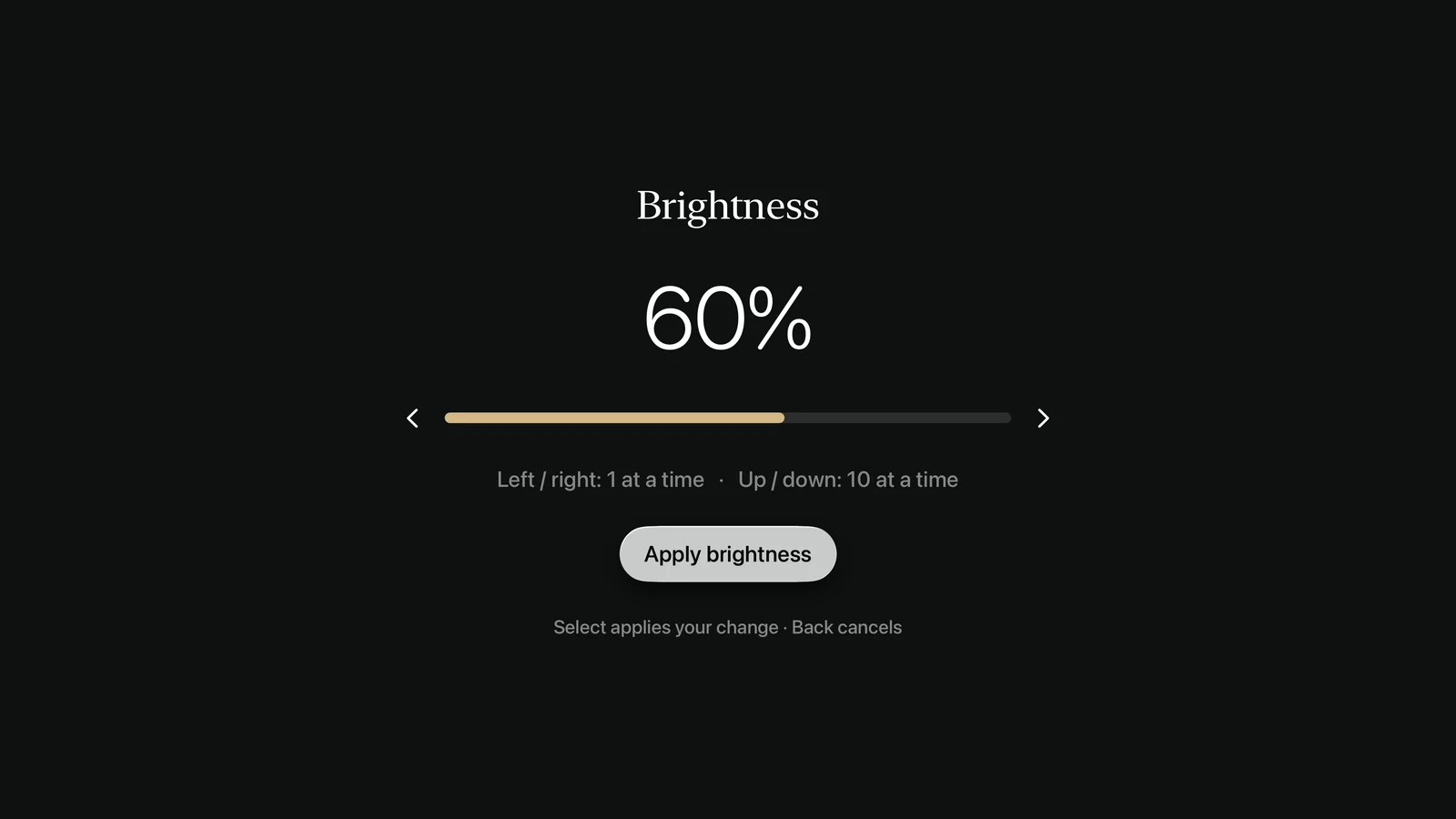
A few clicks to make it yours.
Color and value changes stay in the editor until you apply them.
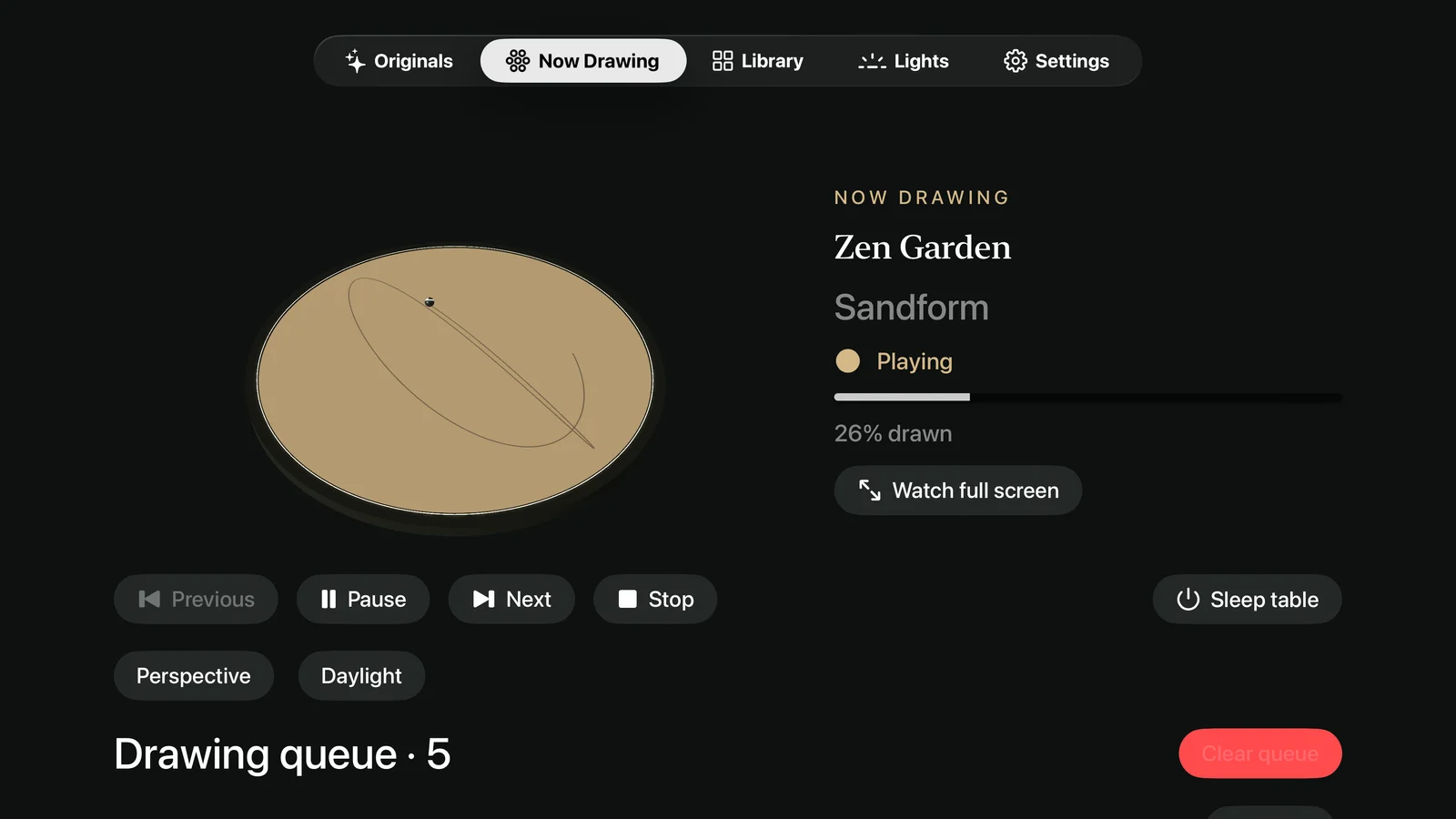
Watch what’s drawing, shape the queue,
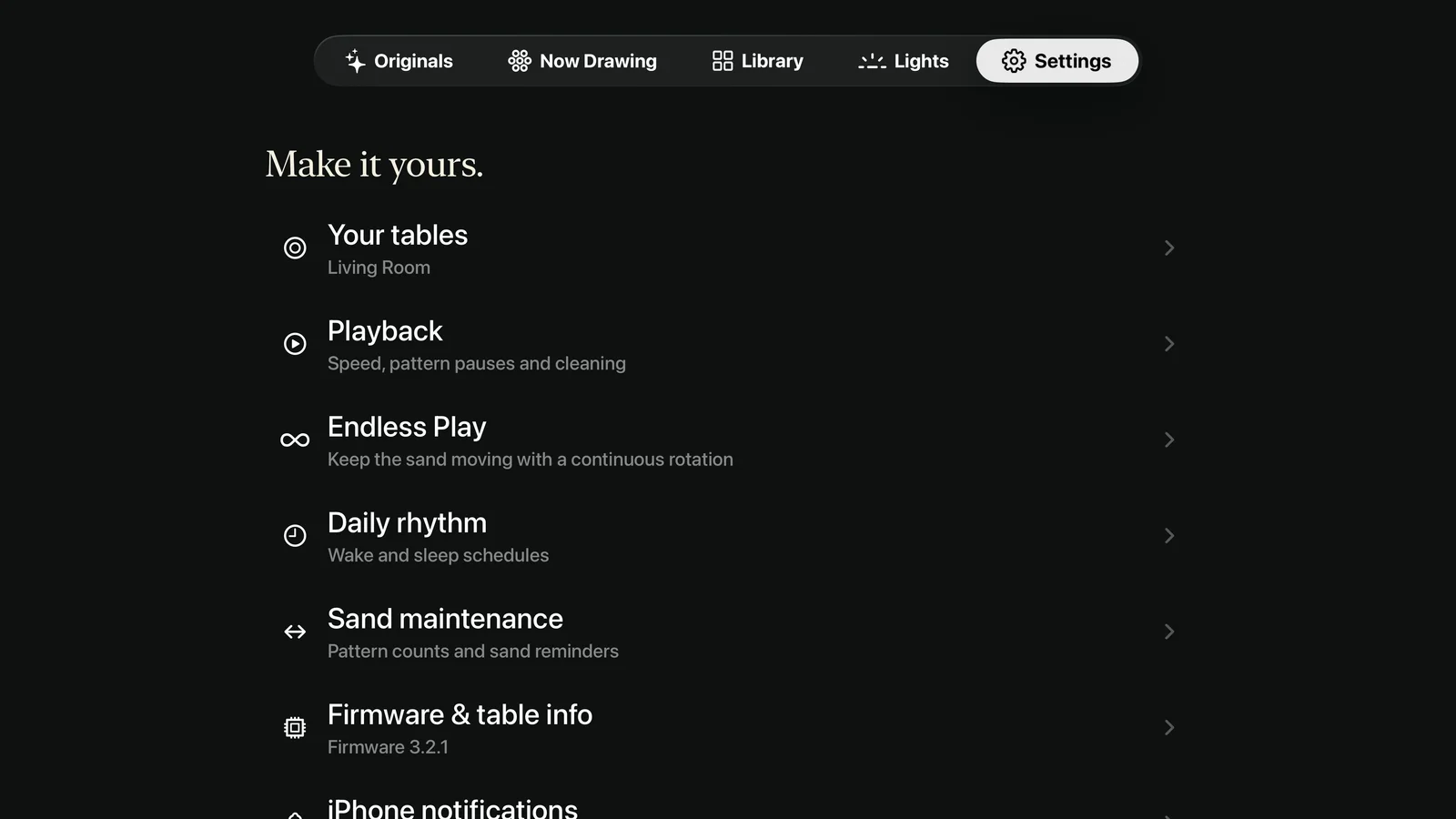
and keep your table’s daily routine close at hand.

Browse patterns, save favorites, build playlists, and adjust playback from the remote.
Originals, Endless Play, smarter cleaning, and overnight updates. Restore your existing Pro subscription with the same Apple Account.
Wake and sleep schedules, multiple tables, sand care, firmware, and alert preferences for your iPhone or iPad.
Real screens from the Apple TV app, captured with sample data. Select a screenshot to see it larger.
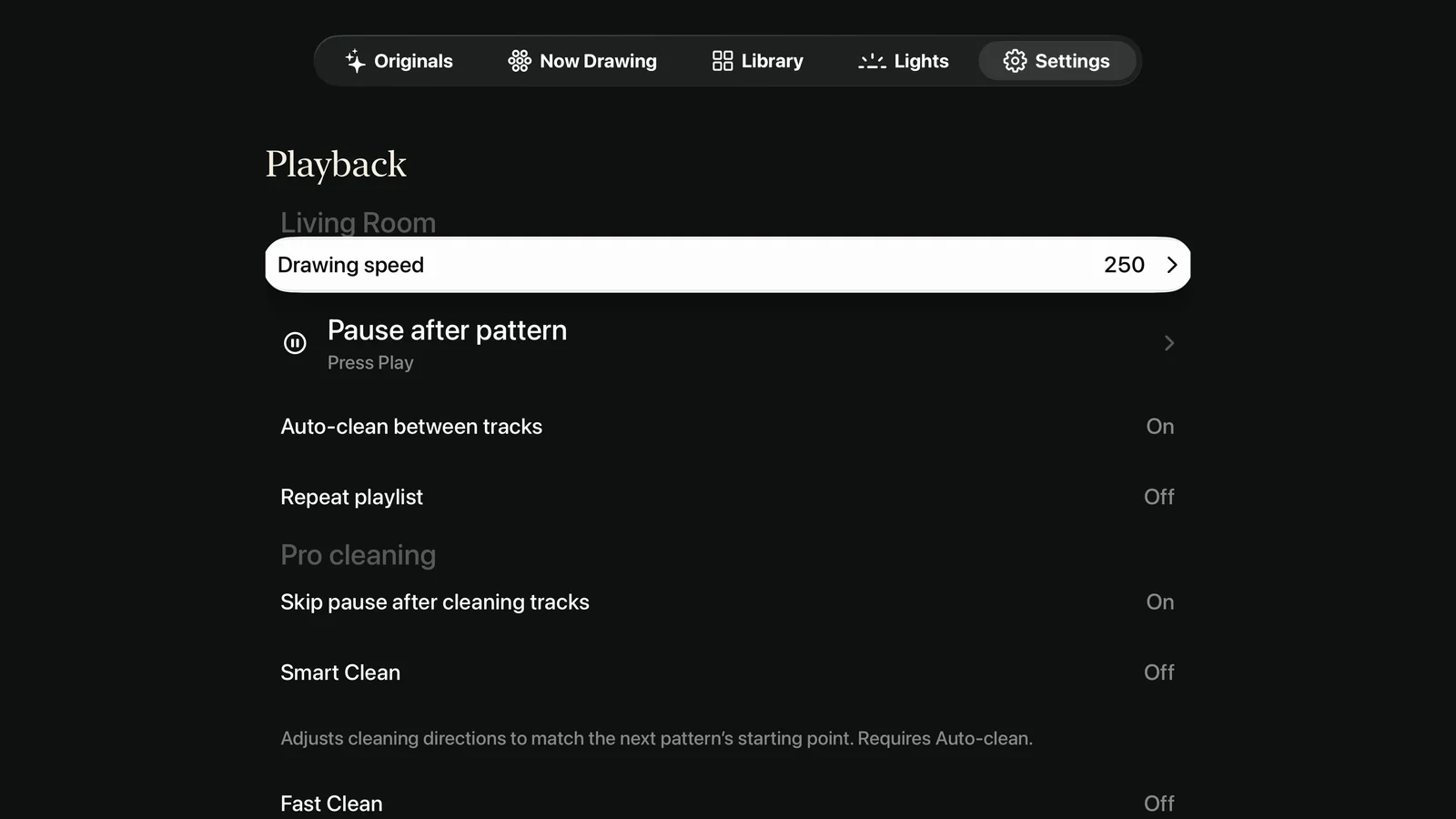
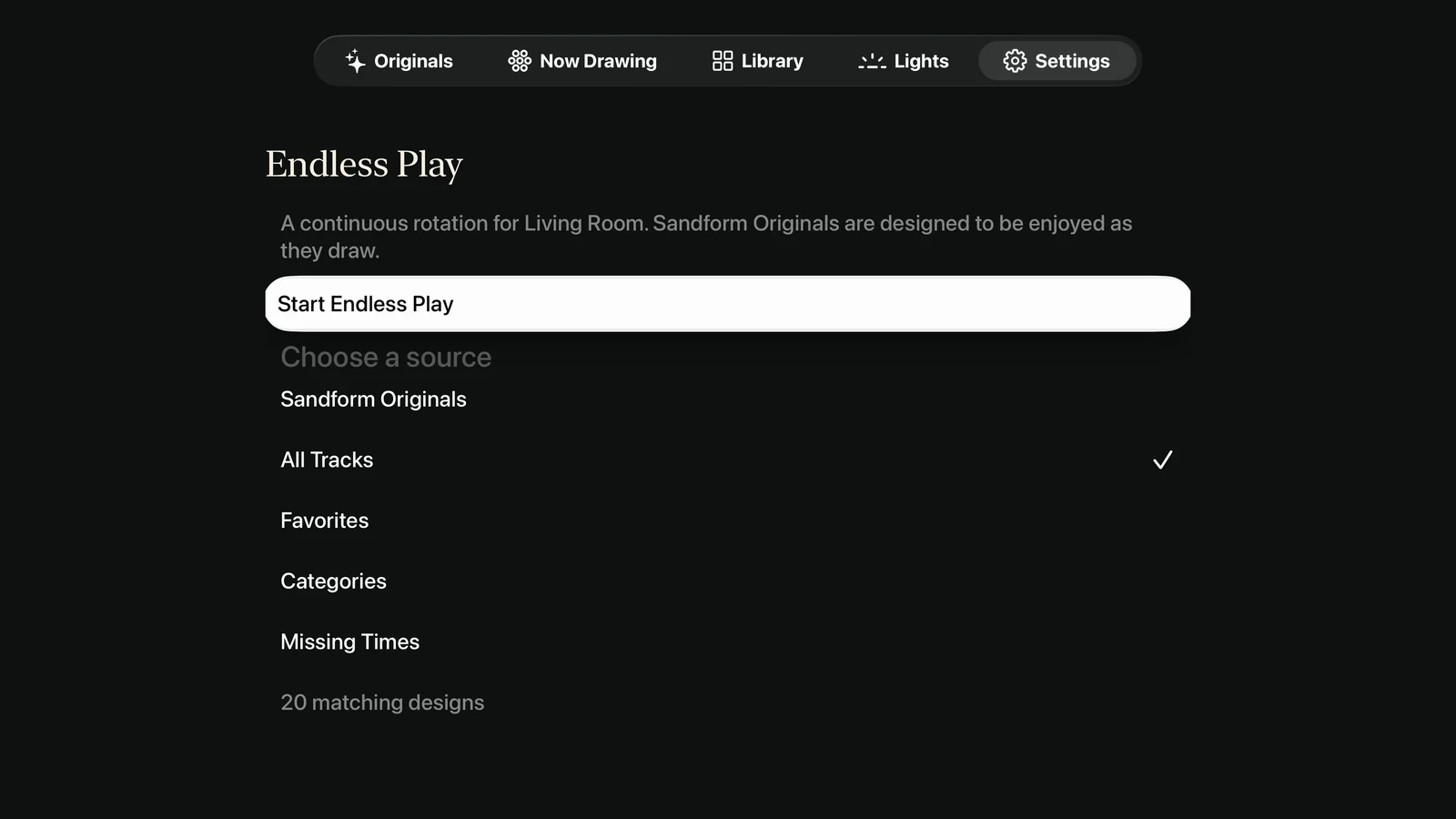
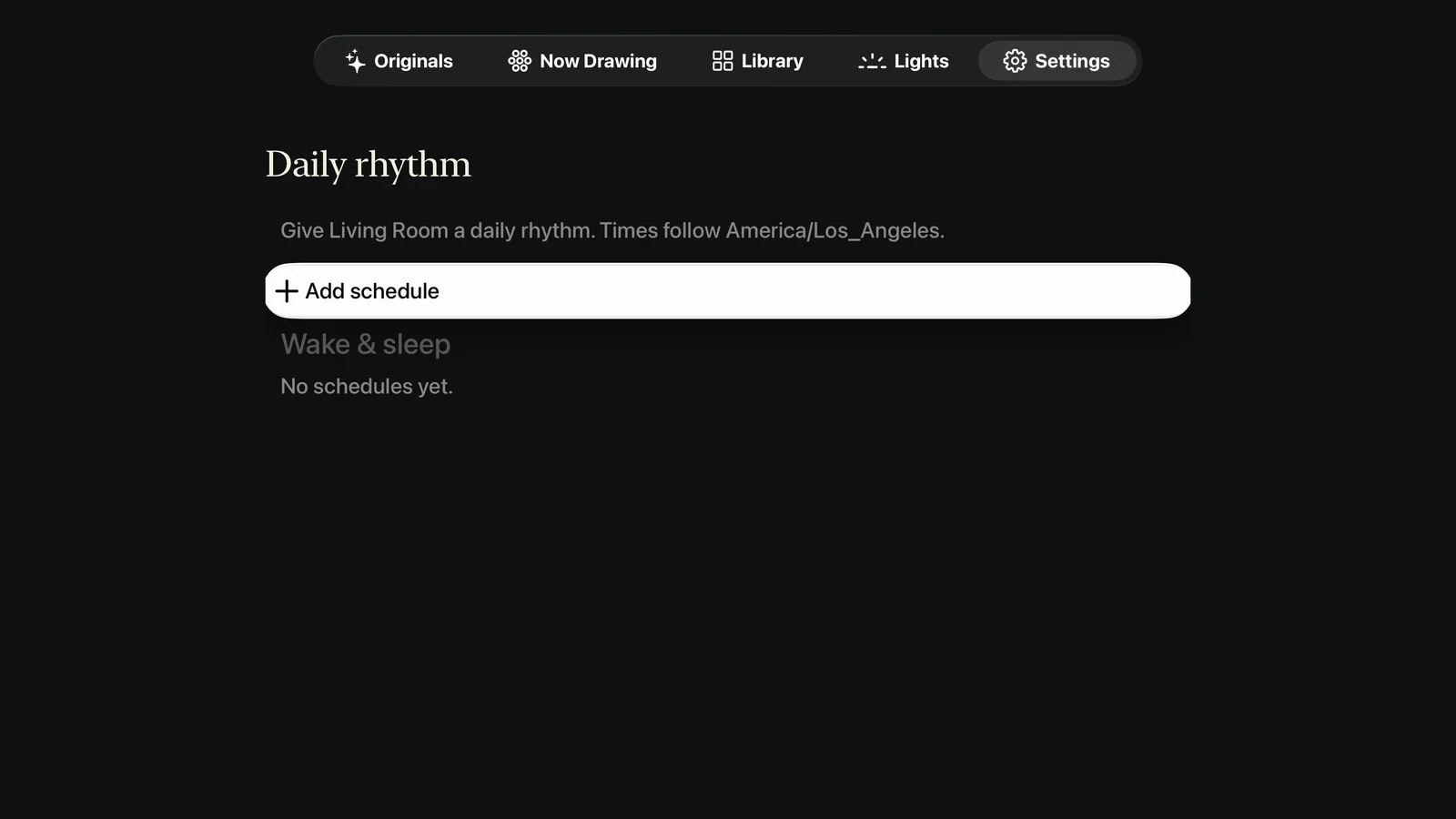
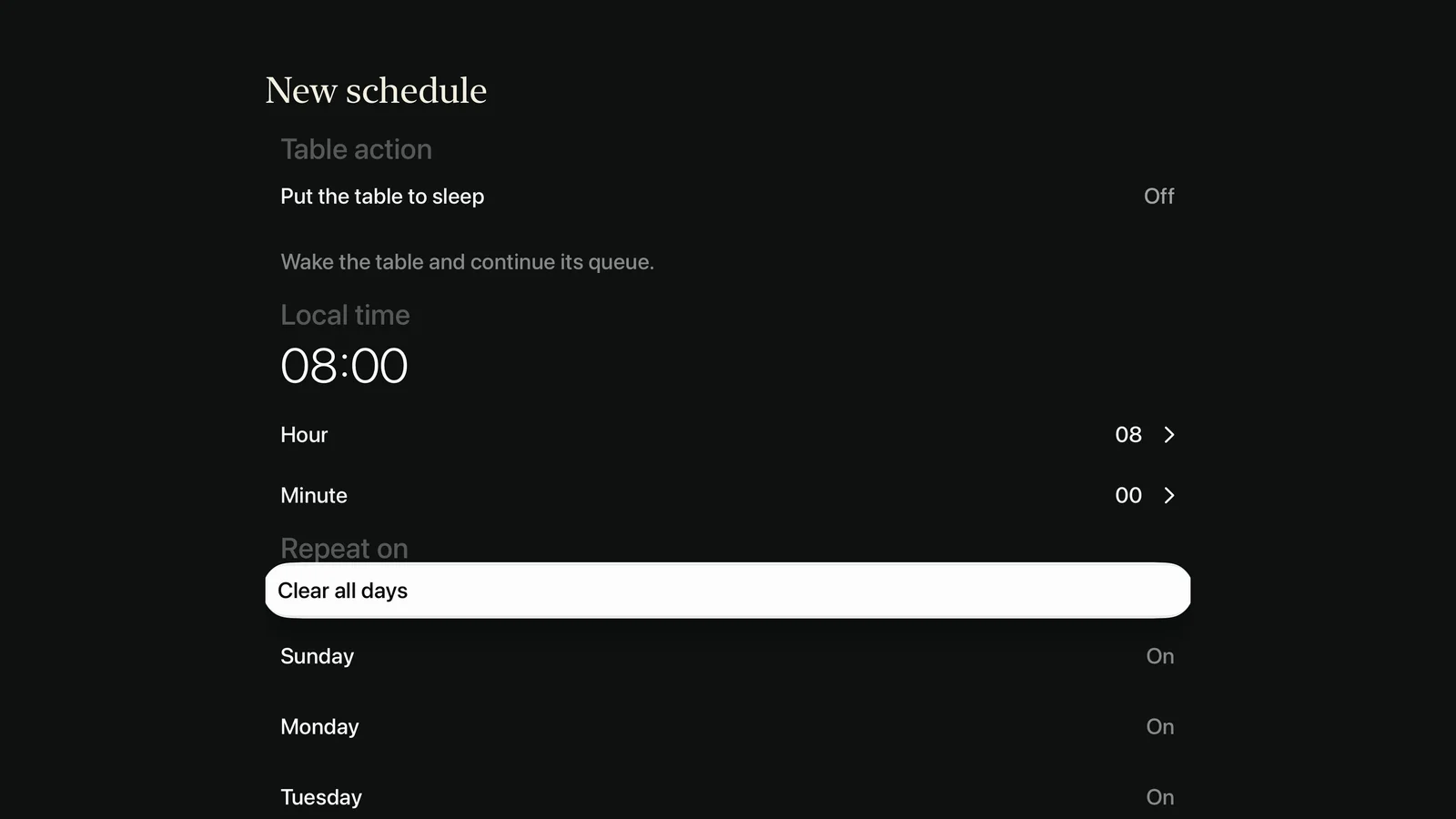
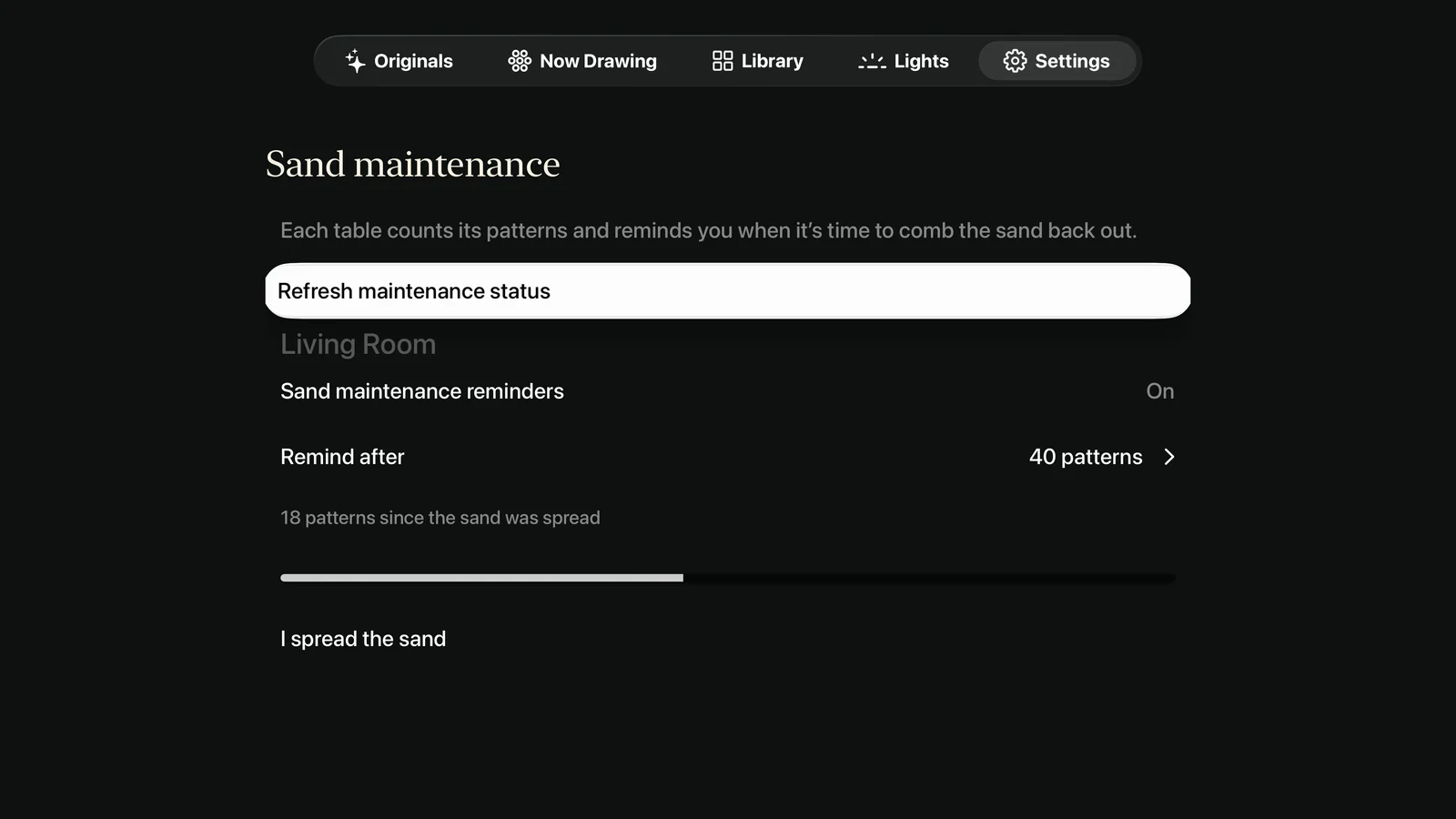
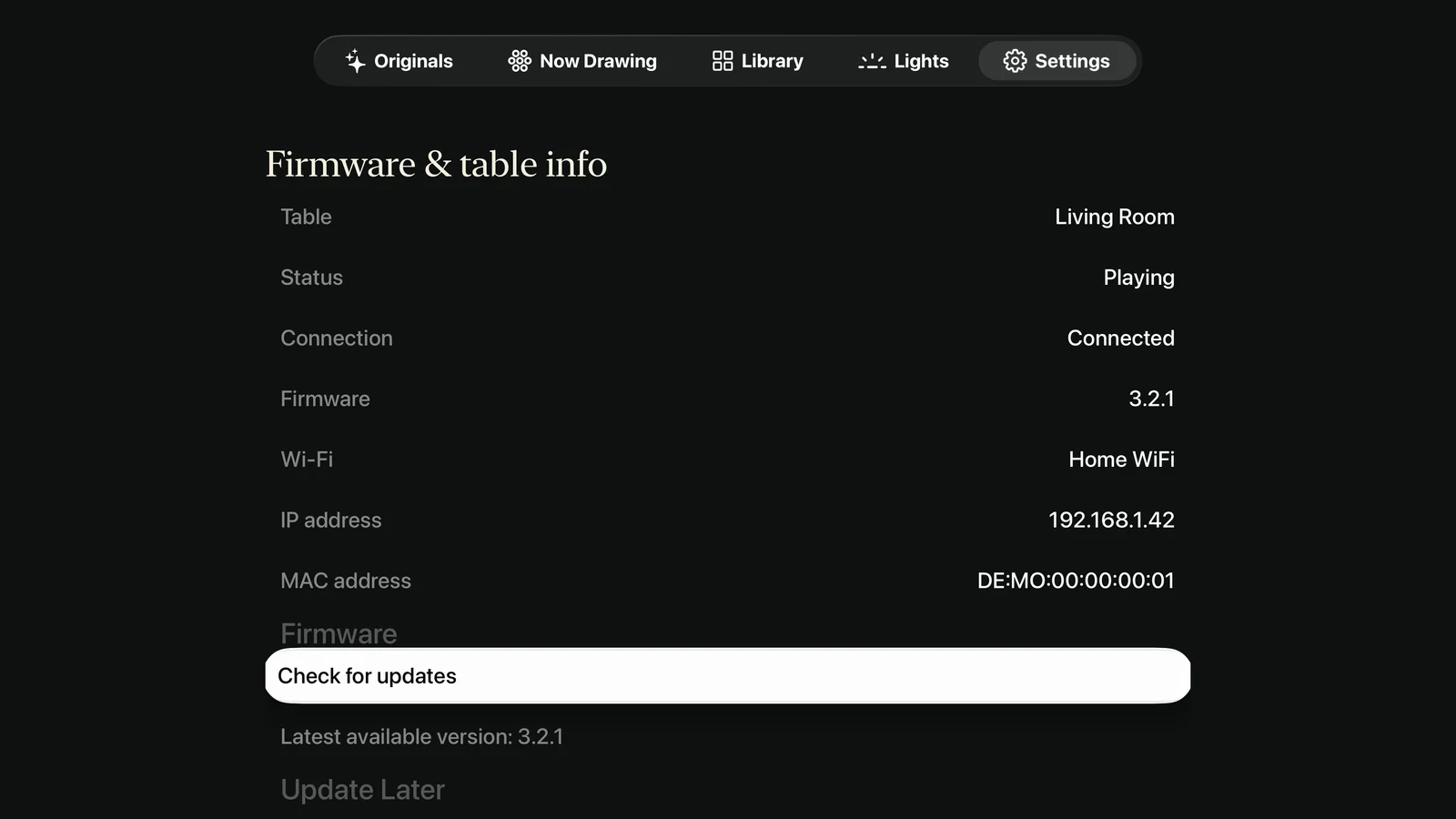
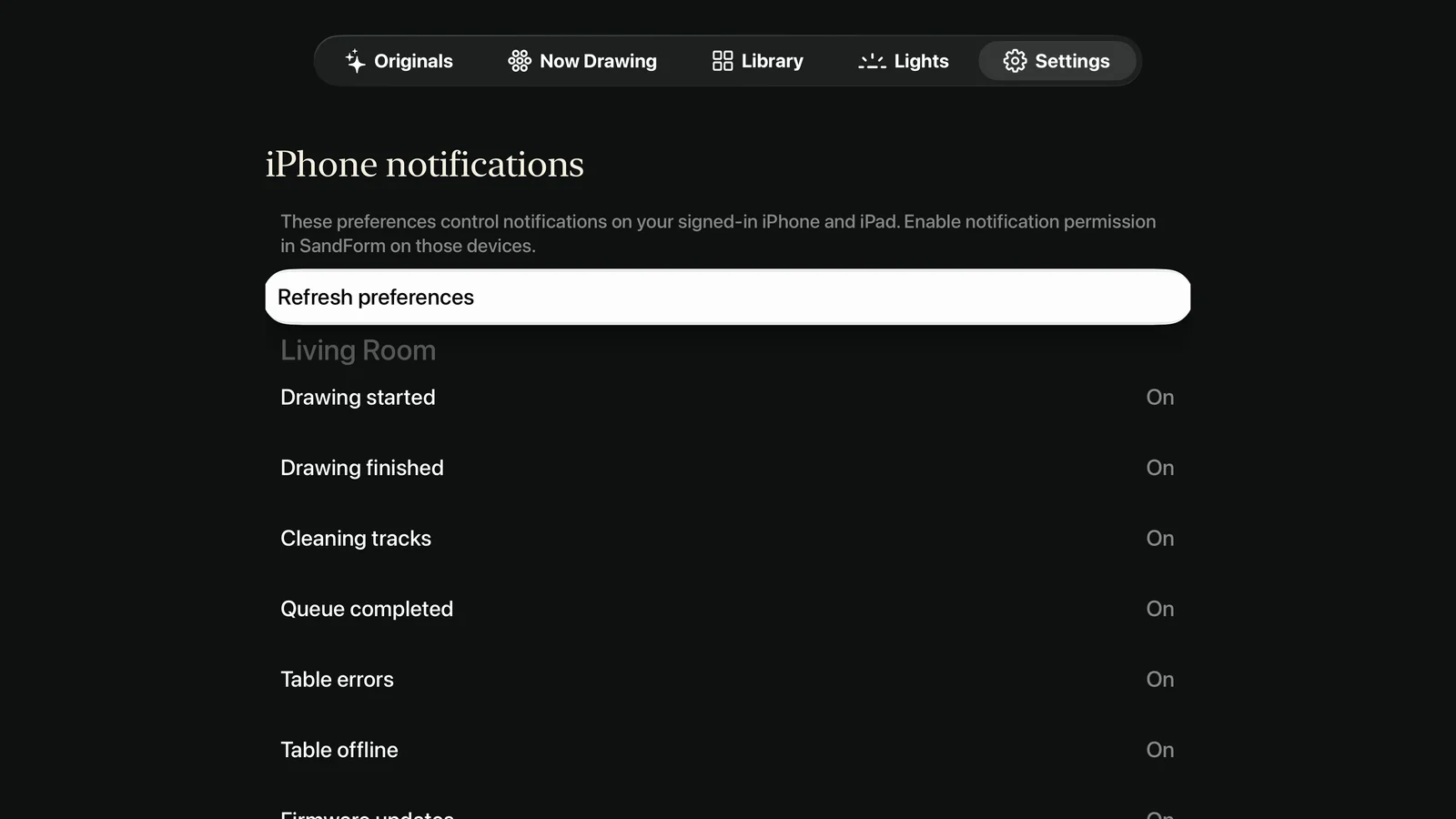
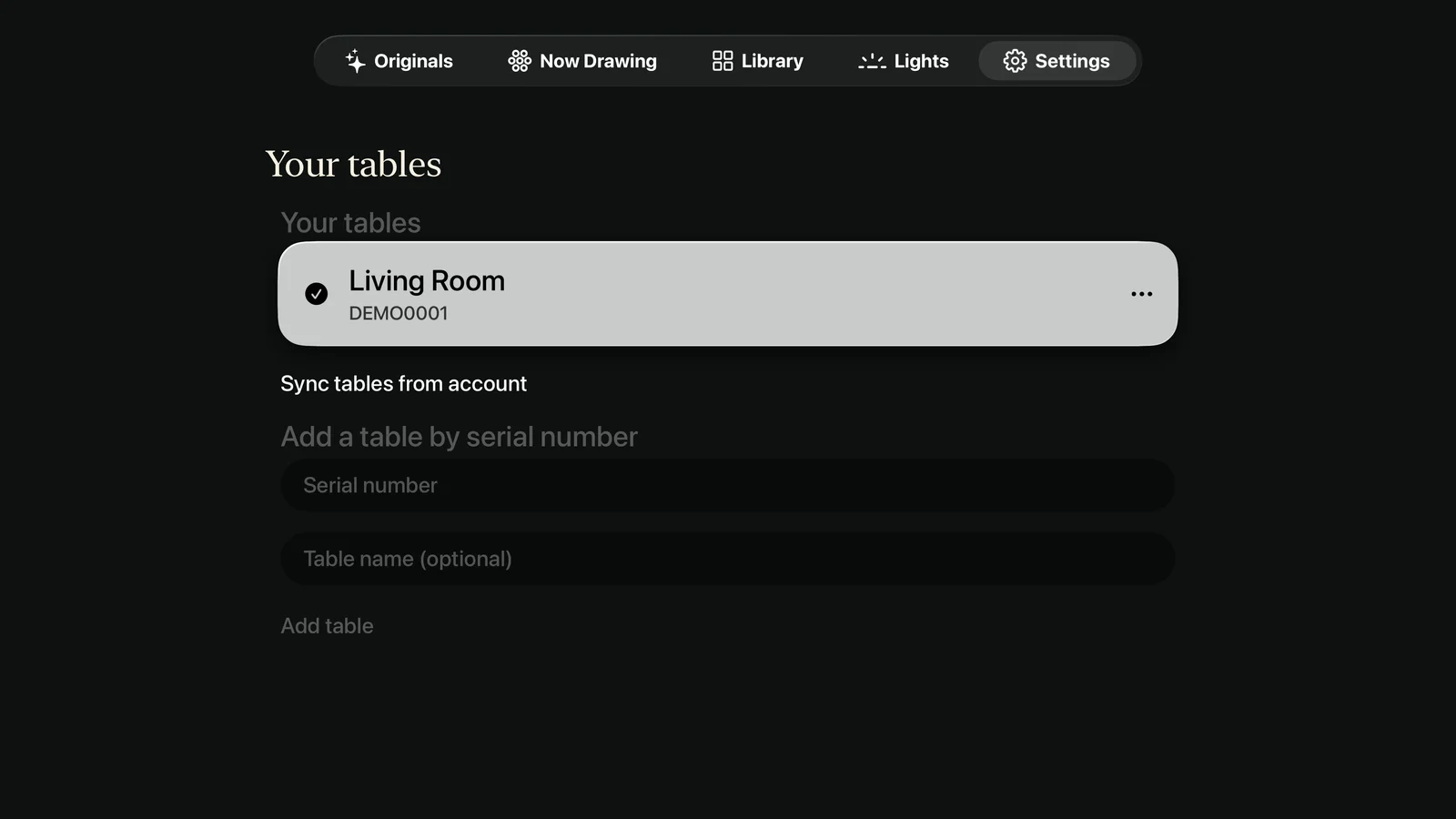
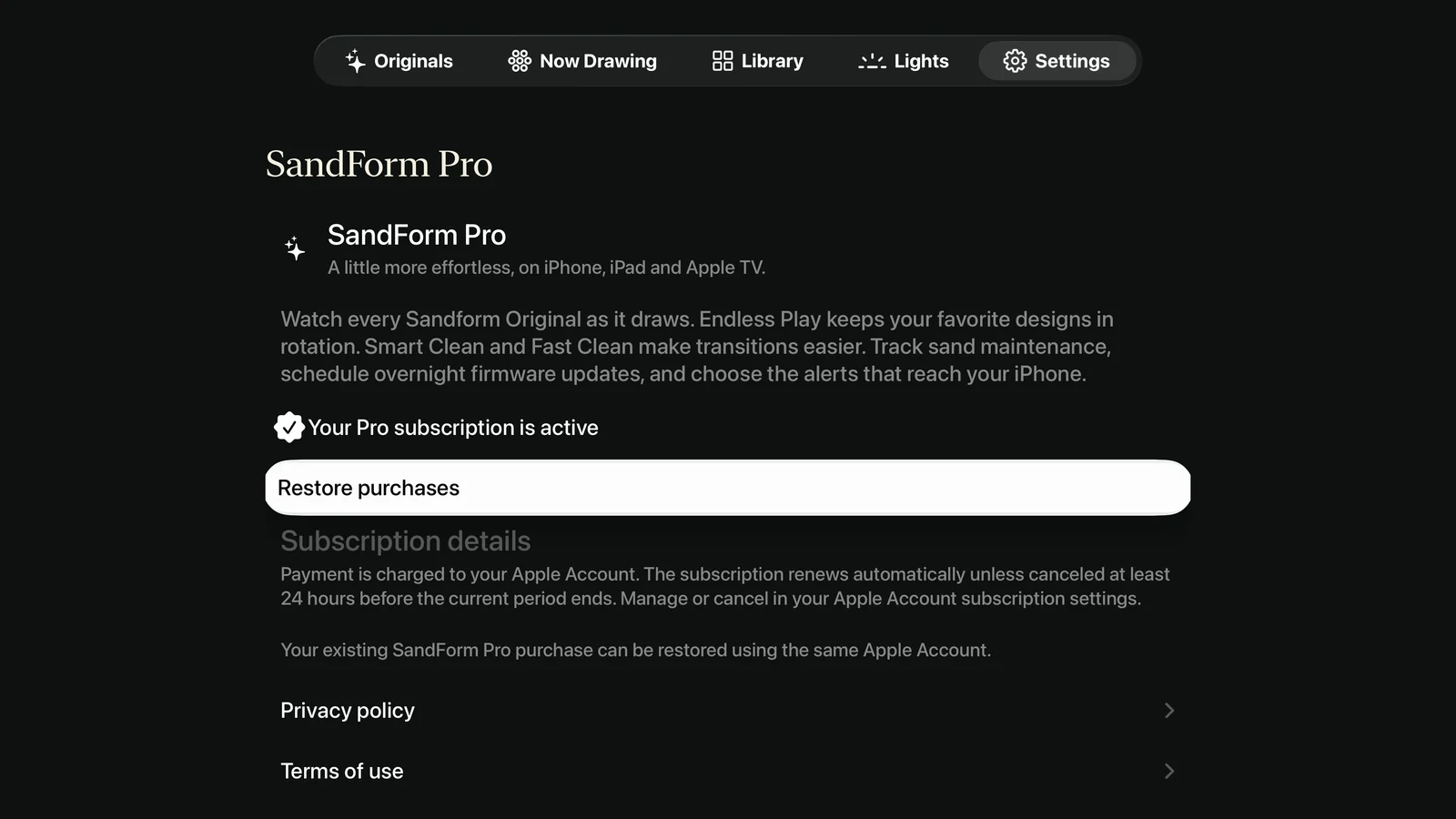
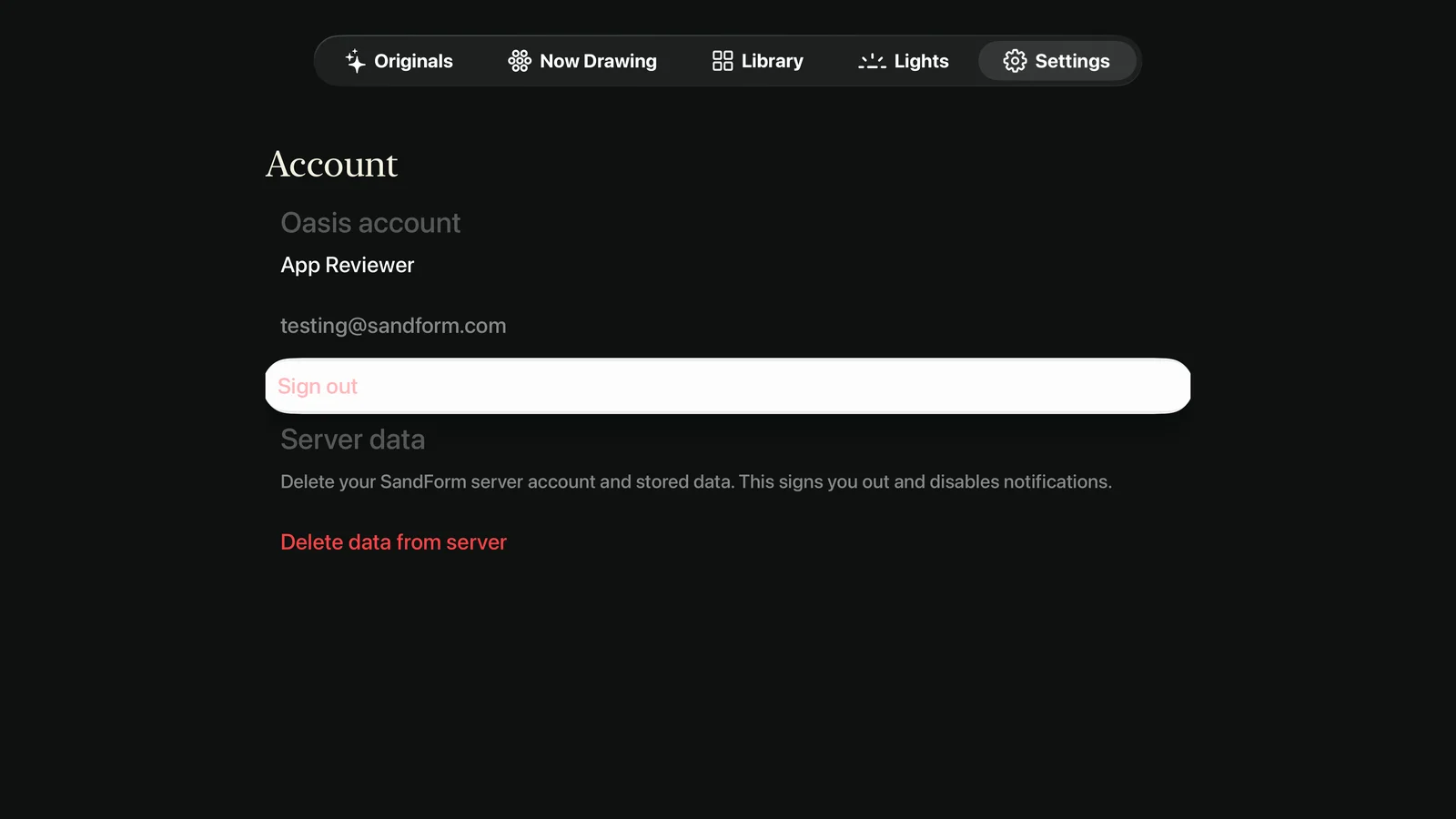
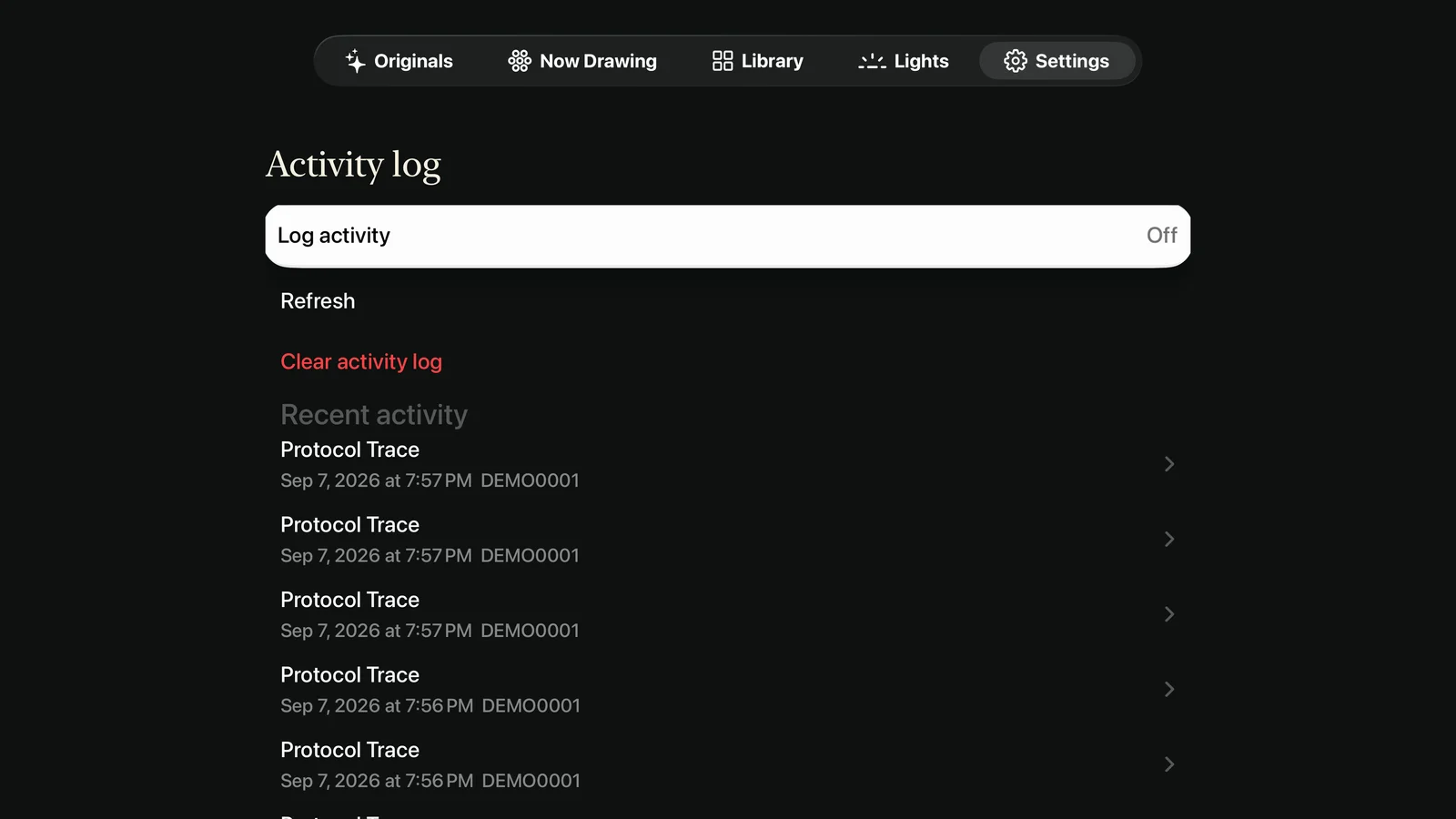

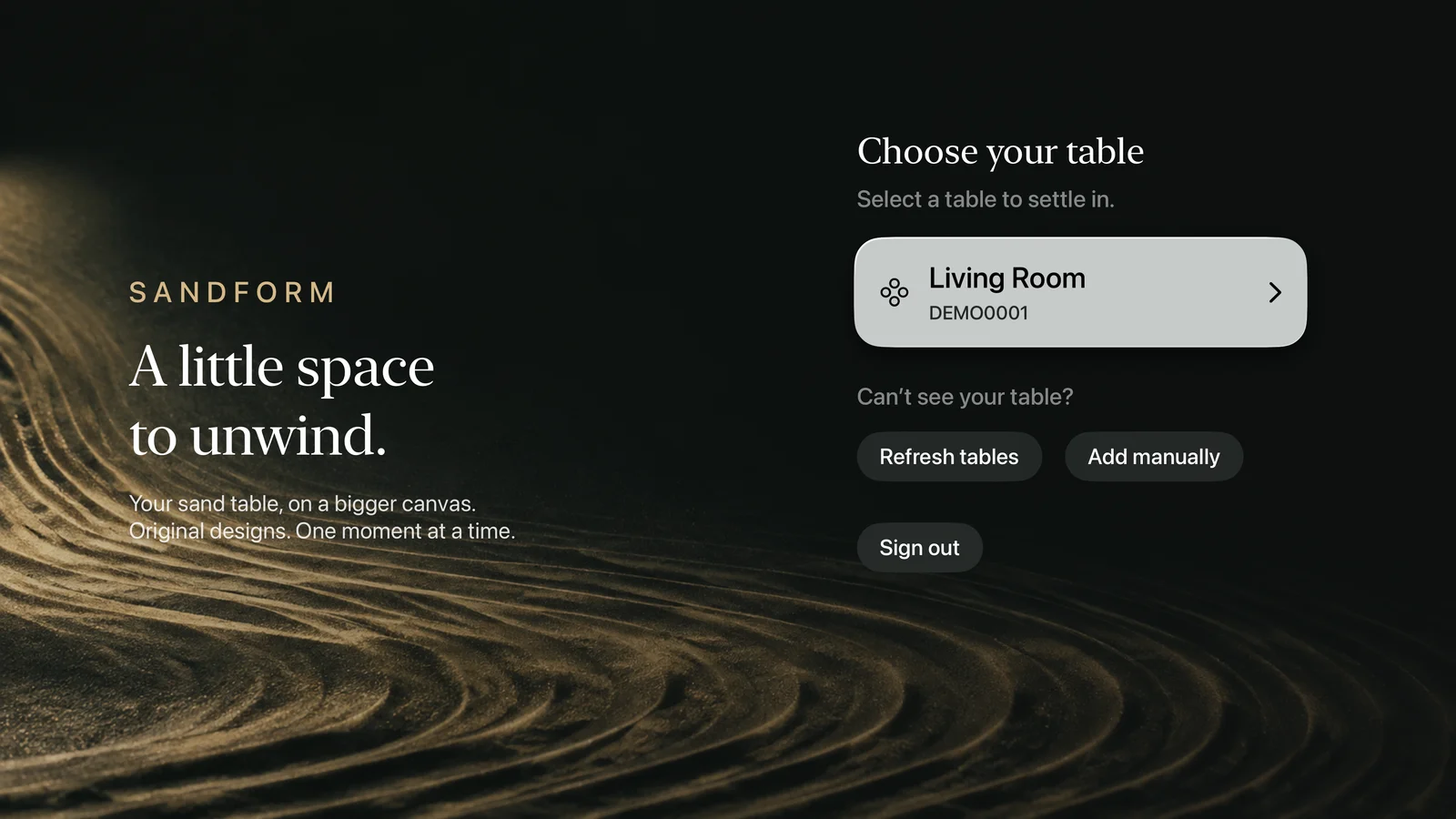
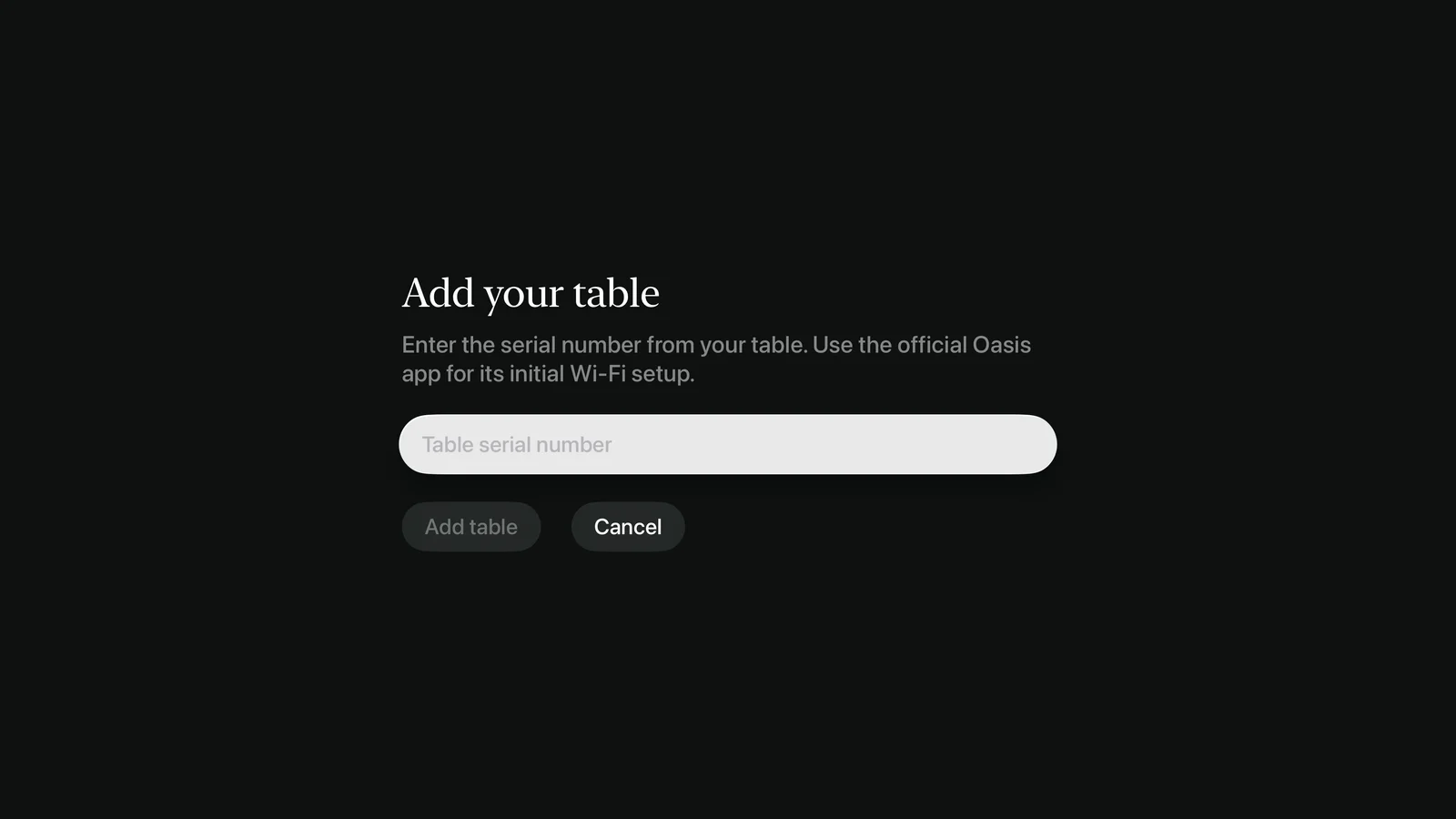
Apple TV, your Oasis table, and the Sandform account you already know.
Sandform for Apple TV is currently in internal TestFlight testing. It is not yet available on the public App Store. This page is a preview of the upcoming TV app.
Apple TV HD and Apple TV 4K running tvOS 17 or later. The interface supports directional clicks as well as the Siri Remote’s touch navigation.
Yes. Connect an Oasis Mini, Side Table, or Coffee Table to your Grounded account using the official Oasis app first. Then sign in to Sandform on Apple TV with the same Grounded account.
The TV app uses the same Sandform app record and Pro subscription as iPhone and iPad. Use the same Apple Account and choose Restore purchases in Settings > SandForm Pro.
Core browsing, playlists, queue and playback controls, lighting, wake/sleep schedules, and immediate firmware updates are free. Pro adds drawing the Originals on your table, Endless Play, Smart Clean, Fast Clean, Skip Pause After Cleaning, Update Later, sand-care reminders, and alerts delivered to iPhone or iPad.
No. Sandform renders 3D visual replays of the drawing. You can change the camera and lighting without changing the table’s physical lights. Real sand, drawing time, and table behavior can differ.
The Apple TV app is coming soon.
Sandform is available today for iPhone and iPad.
In internal TestFlight testing. Public App Store release to follow.
Compatible Oasis table and Grounded account required. tvOS 17 or later.